Kennel cards that show your team what every animal needs
Bring food, medication, care notes and arrival dates together on a kennel card. Choose the details and layout your team needs, with the option to print cards for kennels or your records.
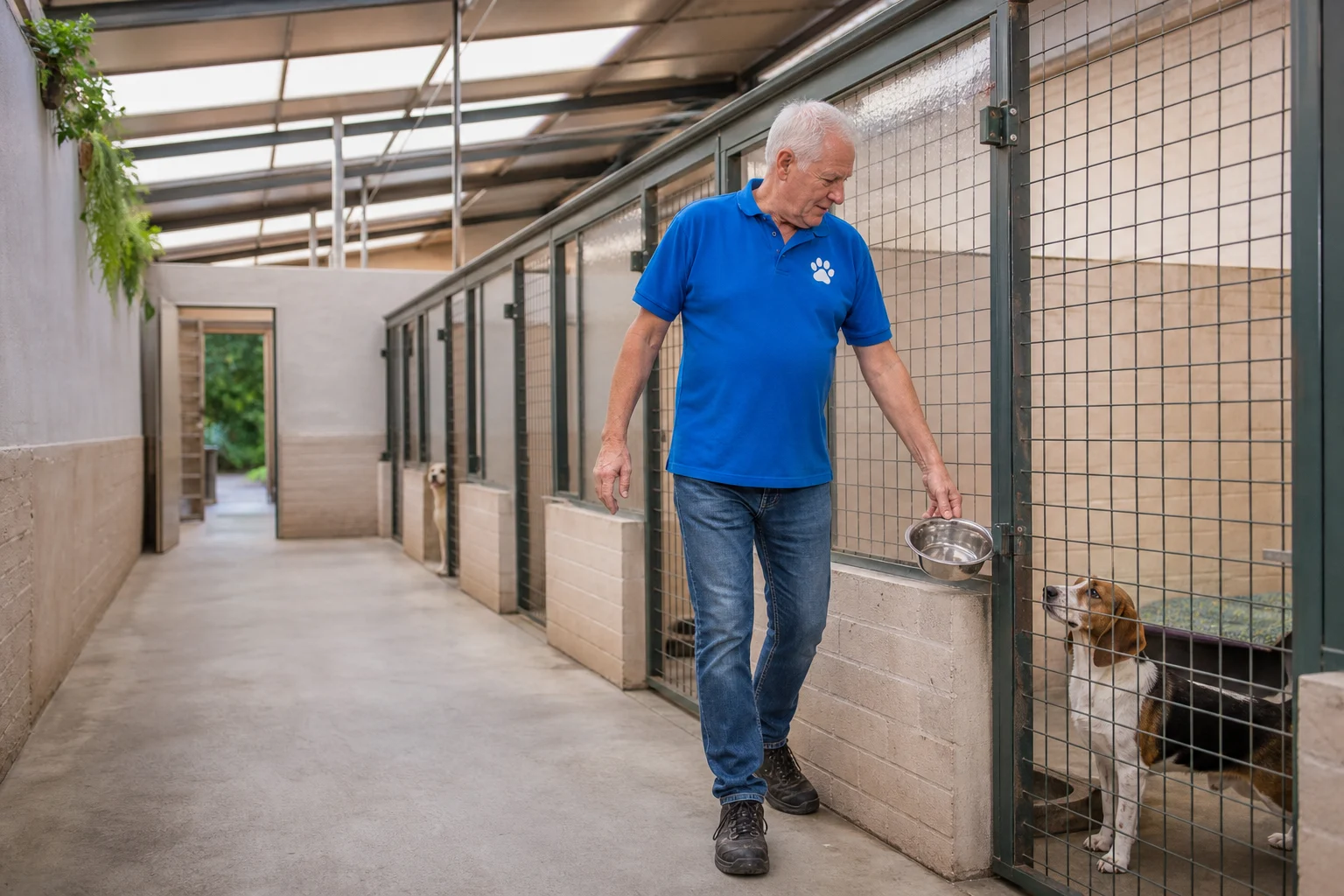
Choose which details from pet, customer and booking appear on the card and in which order.
Food, medication, care notes and arrival dates in one place.
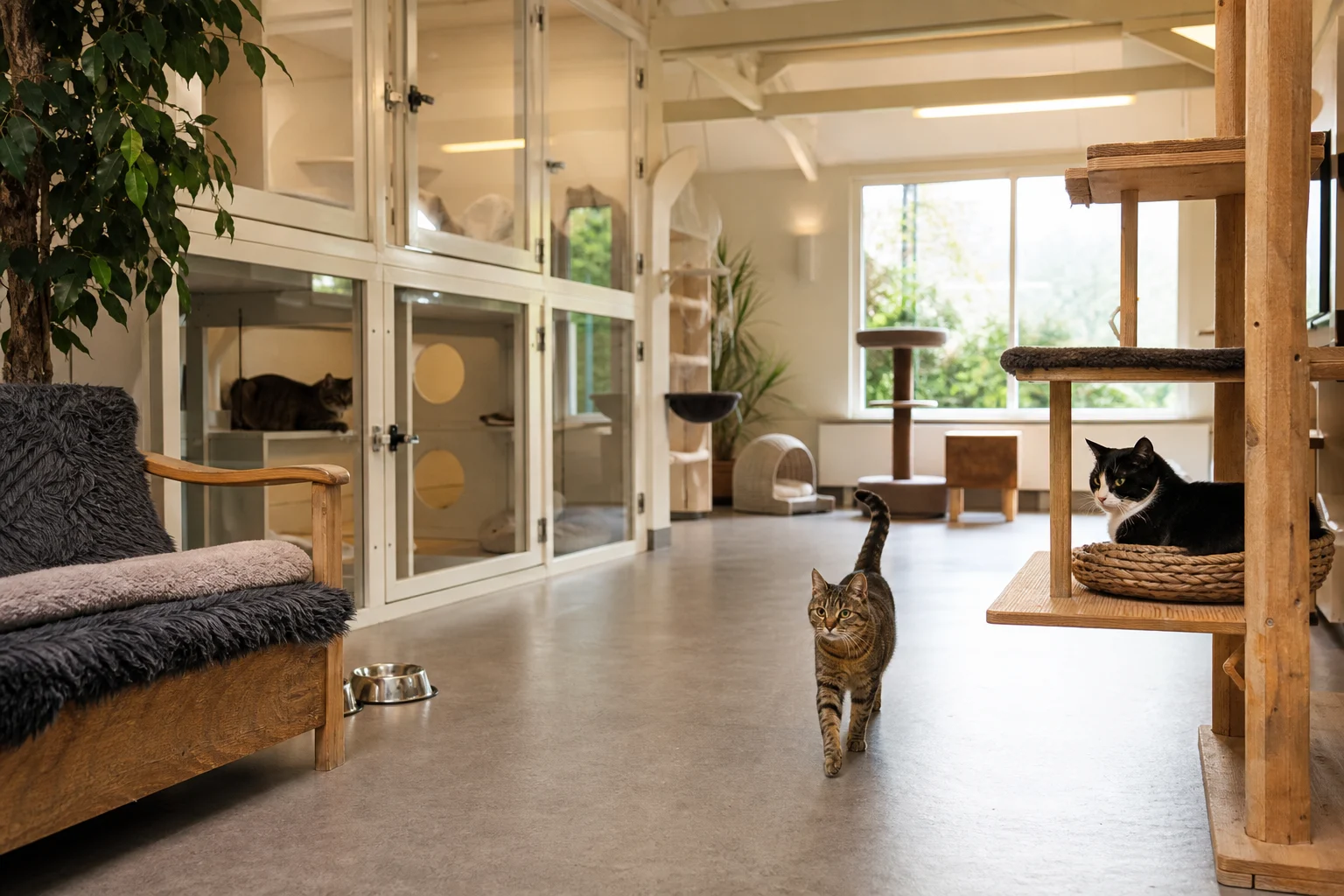
Print kennel cards per day, per booking or straight from the pet profile.
No one has to guess what this pet needs
Kennel cards bring pet records, customer details and booking information together. Details come from Aniday, saving repeated data entry. Your team can check the essentials, with the option to print a copy for the kennel.
Only what matters for this stay, nothing else
You put your kennel card together entirely yourself. Choose which details from the pet record, customer details and booking you want to show, and set the order and place on the card yourself. That way your team sees only what matters for that stay, without being distracted by information that does not belong there.
- Combine details from pet, customer and booking
- Set the order and place on the card yourself
- A card of your own for every way of working
Choose a detailed card or a compact summary
You decide how large the card is. Use a full page as a kennel card for detailed information, or fit four or nine small cards on a page when you only want the essentials at the stay. For special cases, such as an older pet that needs extra attention, you create a card of its own just as easily.
- A full page, or four or nine small cards
- A dedicated card for special cases
- Compact cards for kennels or detailed records
Food, medication and special notes at a glance
Add the details you record in Aniday, including food, feeding times, medication, care notes and stay dates. Cards use information from pet records and bookings, so you do not need to enter it twice. Print updated copies when details change.
- Food, feeding times and medication
- Care notes for each pet
- Stay, drop-off and pickup dates
Print today's cards before the first dogs arrive
You print kennel cards wherever it suits you. In the kennel card overview you see which pets arrive each day and print all the cards for that day in one go. Prefer per booking or per pet, then you print the card straight from the booking, the day overview or the pet profile. That way your team always has the current card at hand.
- Print cards for all of a day’s arrivals together
- Or per booking, from the day overview or pet profile
- Always the current details on the card
Frequently asked questions
Important care information stays visible with the stay, helping your team see what an animal needs and what has already been done.
The kennel card uses information from the animal profile and booking, keeping changes with the correct stay.
Kennel cards are designed for teams that use clear care instructions during boarding or daycare.
Make more time for the animals
See how Aniday helps you organise bookings, reduce admin and keep your team informed.
What kind of pet care business do you run?
See how Aniday fits your business, from pet boarding to dog training and grooming.